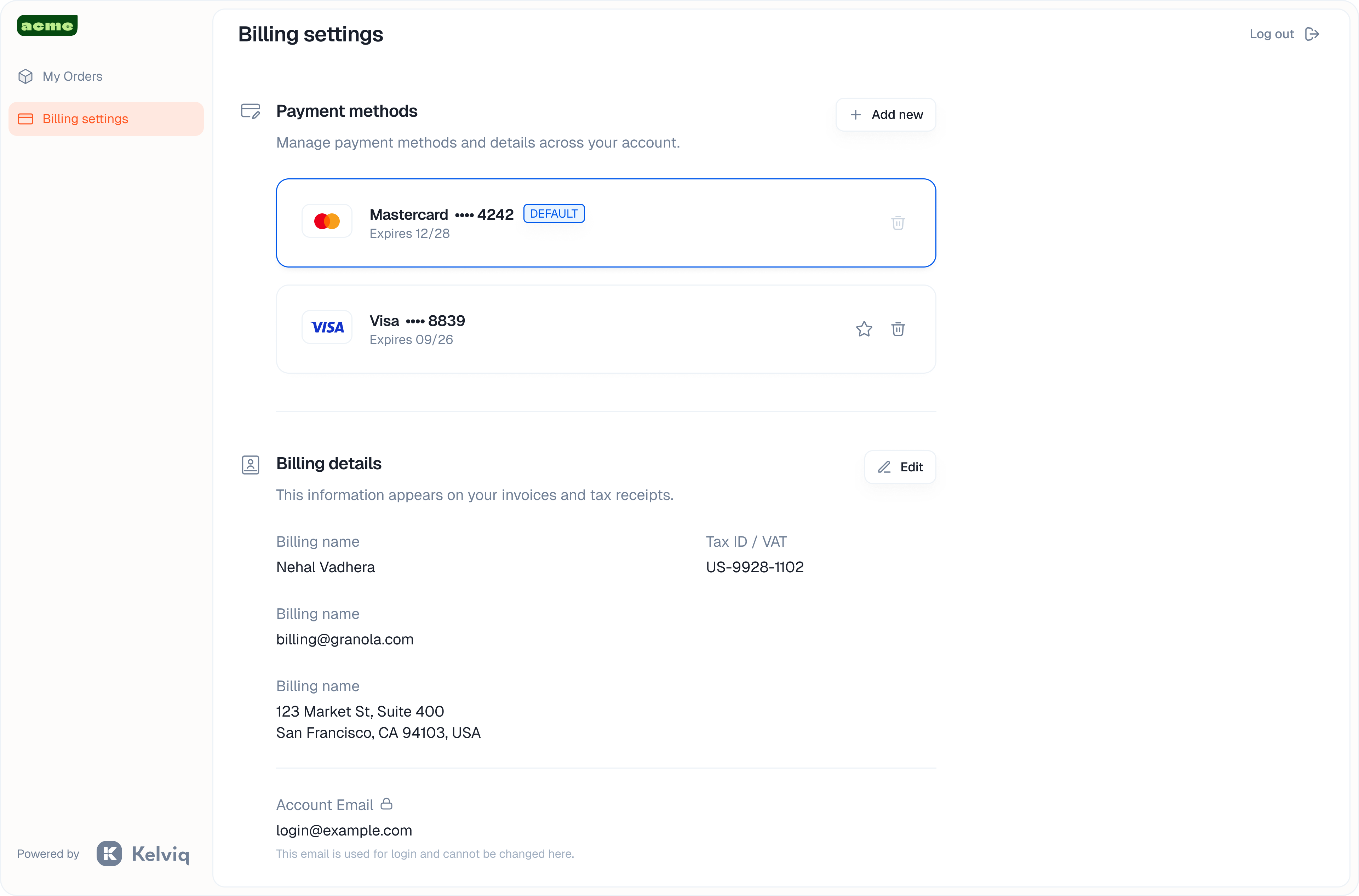
Access and login
The portal uses passwordless, secure access.1
Purchase and invite
When a customer completes a purchase, they get access immediately.
2
Login
Customers enter their email address on your portal login page.
3
Secure entry
We send a one-time access code to their email. They enter this code to log in. No passwords to remember.
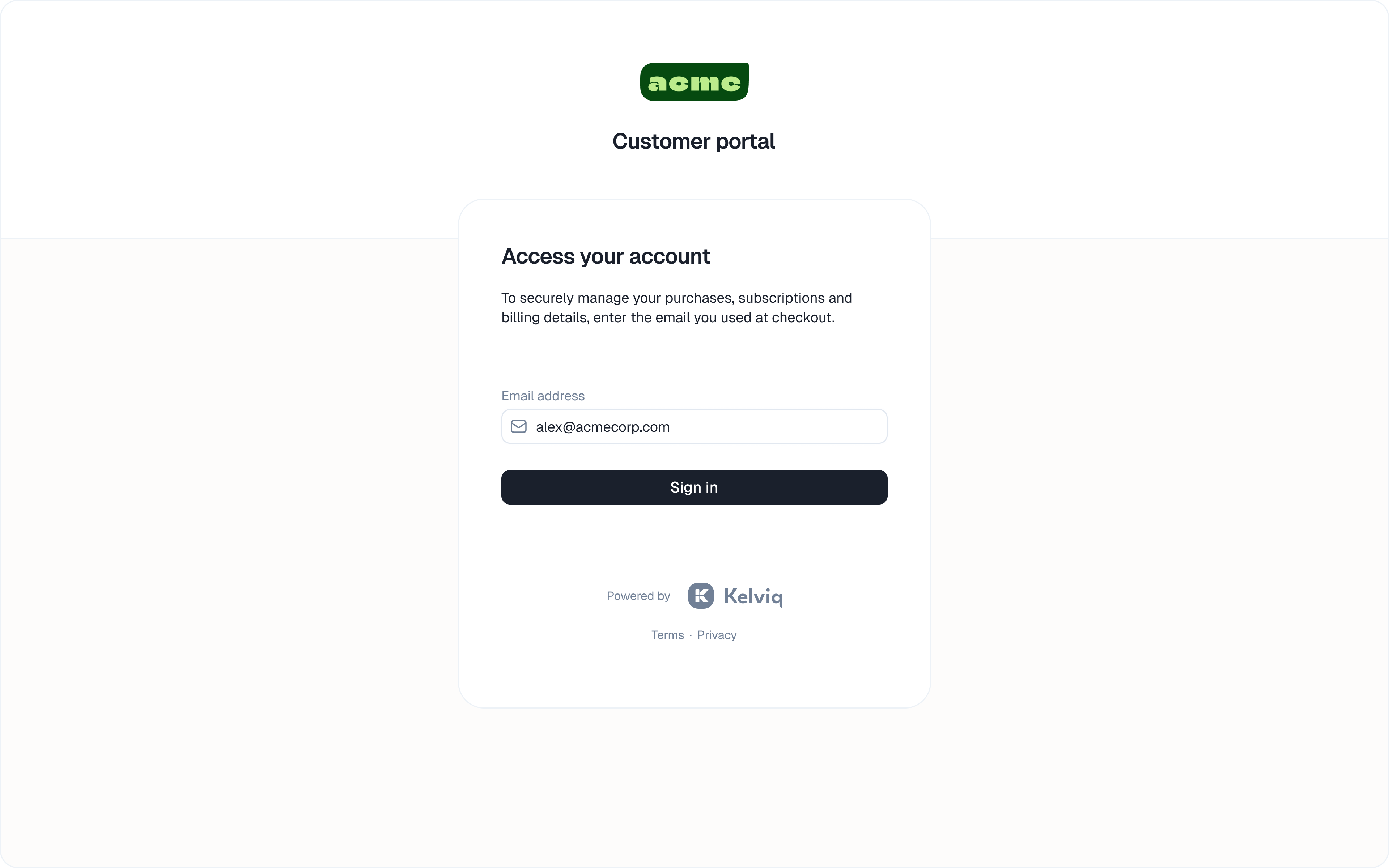
My orders
This is the home screen. It lists everything the customer owns. They can click on a specific product to see details.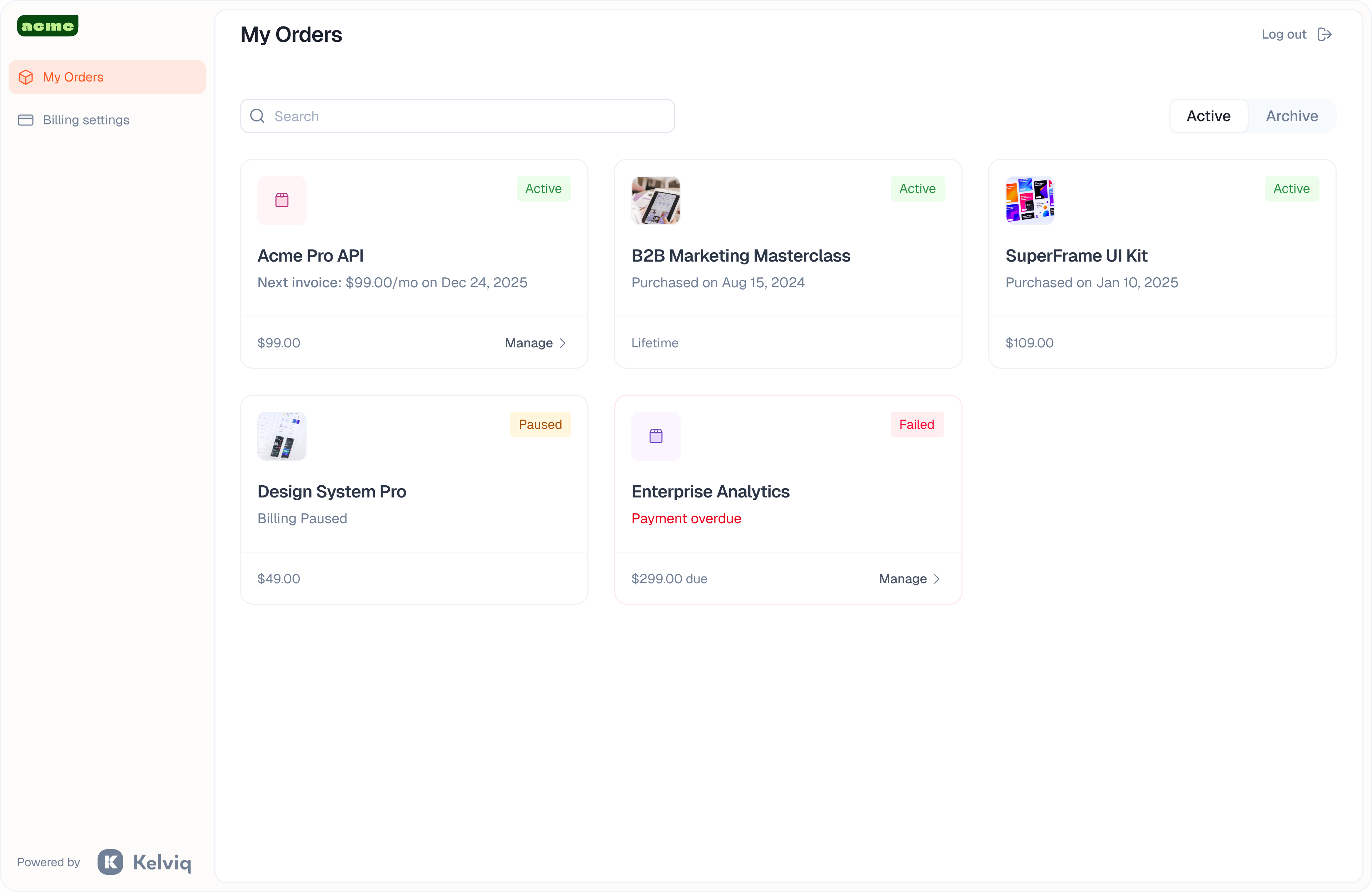
Product details
Inside a specific product, customers find their deliverables.- Digital downloads Access files, e-books, or software binaries.
- External links Private links to Discord servers or Notion templates.
- License management View license keys. If you enforce seat limits, customers can see active devices and revoke licenses to free up seats for new team members.
Subscription management
Customers have control over their lifecycle without contacting you.- Change plans Upgrade to a higher tier or downgrade.
- Pause and cancel Pause a subscription temporarily or stop it entirely.
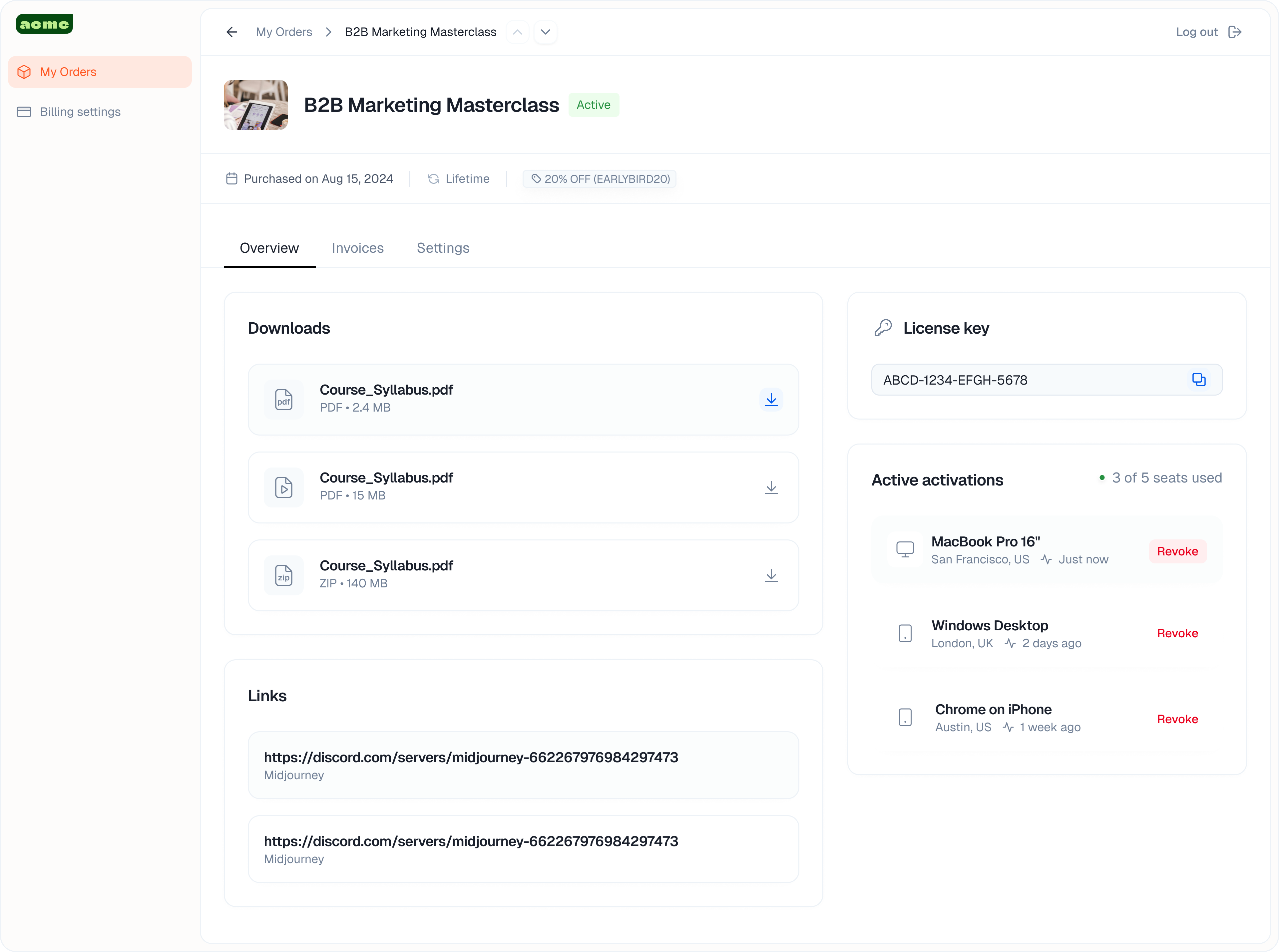
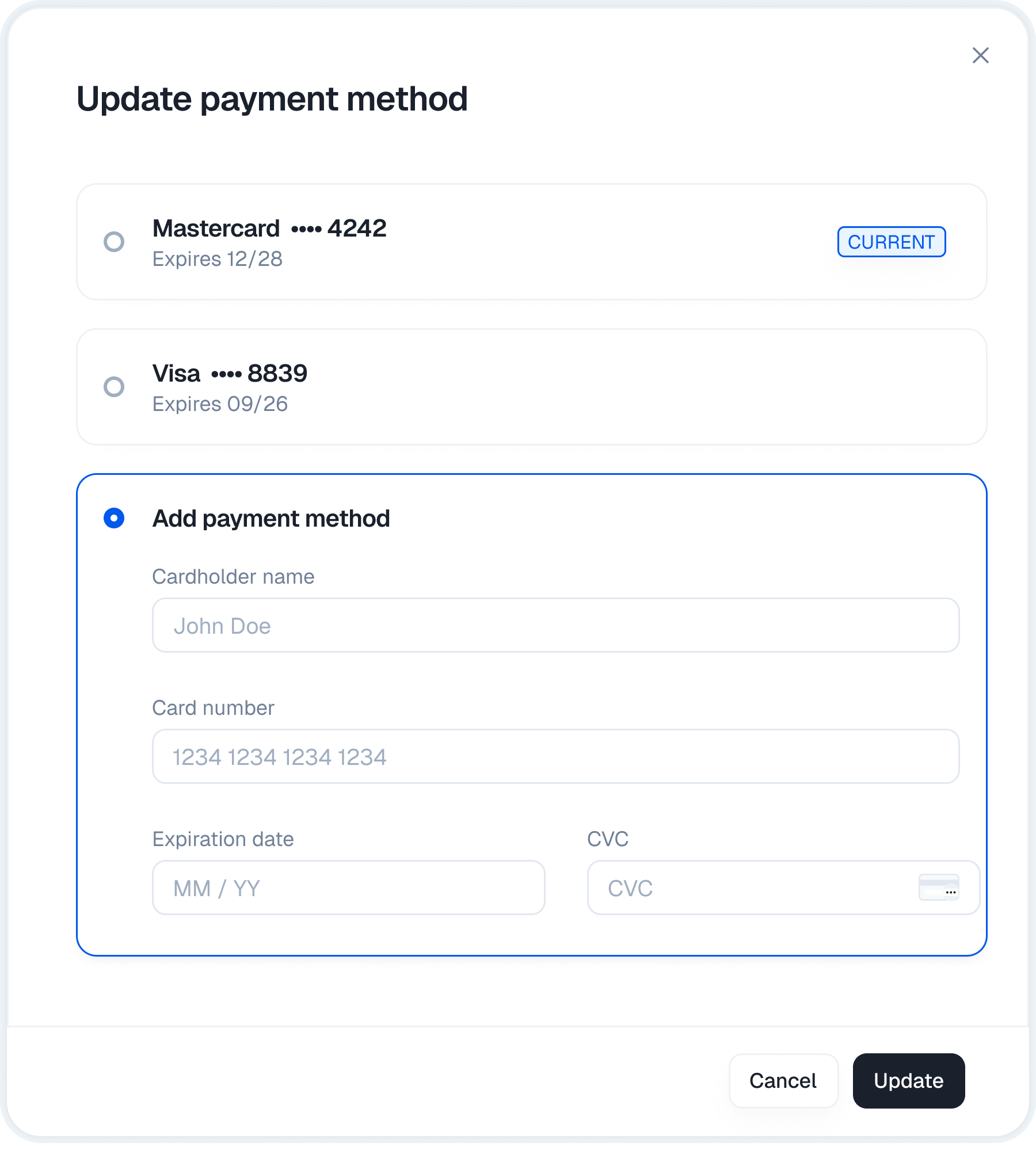
- Payment methods Update credit card details or switch methods for future renewals.
Billing settings
This section handles compliance and admin tasks.Invoices and receipts
Customers can view their full payment history. They can download PDF invoices and receipts for their own accounting.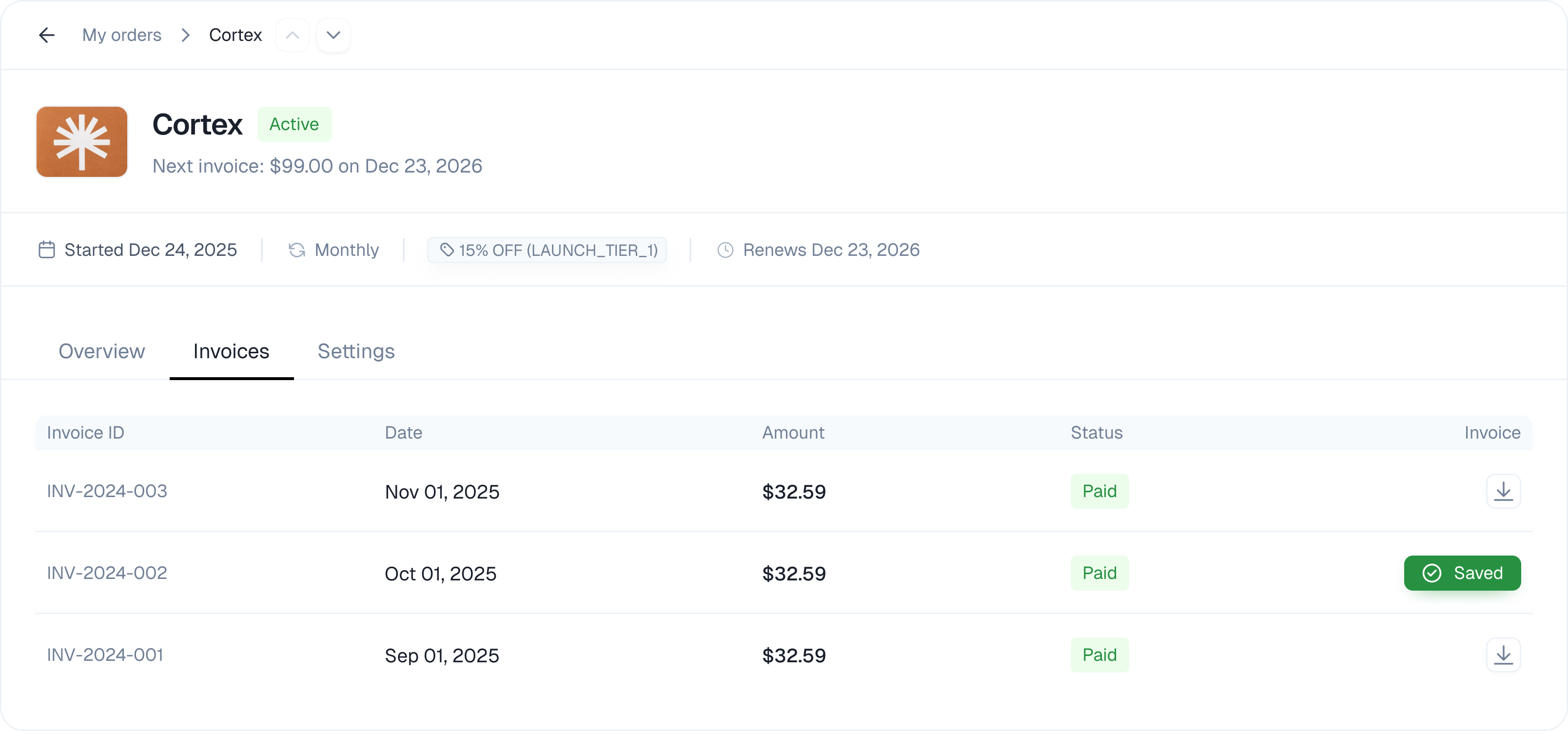
Account details
This is where they manage the legal side of the account.- Tax IDs Update billing addresses and VAT/Tax IDs.
- Refund status Track the status of partial or full refunds.
- Account transfer Transfer ownership of the account and subscription to a different email address.