Kelviq Documentation home page
Search...
⌘K
Support
Dashboard
Dashboard
Search...
Navigation
Payouts
Payout Settings
Documentation
API Reference
SDKs
Get Started
Introduction to kelviq
Merchant of Record
Fees
Review Process
Quickstart
Core concepts
Dashboard setup
Integrate with your app
Product Catalog
Products
Plans
Digital Downloads
License Key Management
Links
Features & Limits (Entitlements)
Discounts
Checkout
Configuration & Customization
Sales
Orders
Checkout Sessions
Coustomers-management
Overview
Payouts
Overview
Transactions
Payout Settings
Customer-portal
Customer portal
Guides
Subscription Integration
Subscription Integration for Next.js
Legal
Buyer Terms
Seller Terms
Seller Agreement
Transaction Flow
Acceptable Use Policy
Payment Processing
close
On this page
Bank account
Payouts
Payout Settings
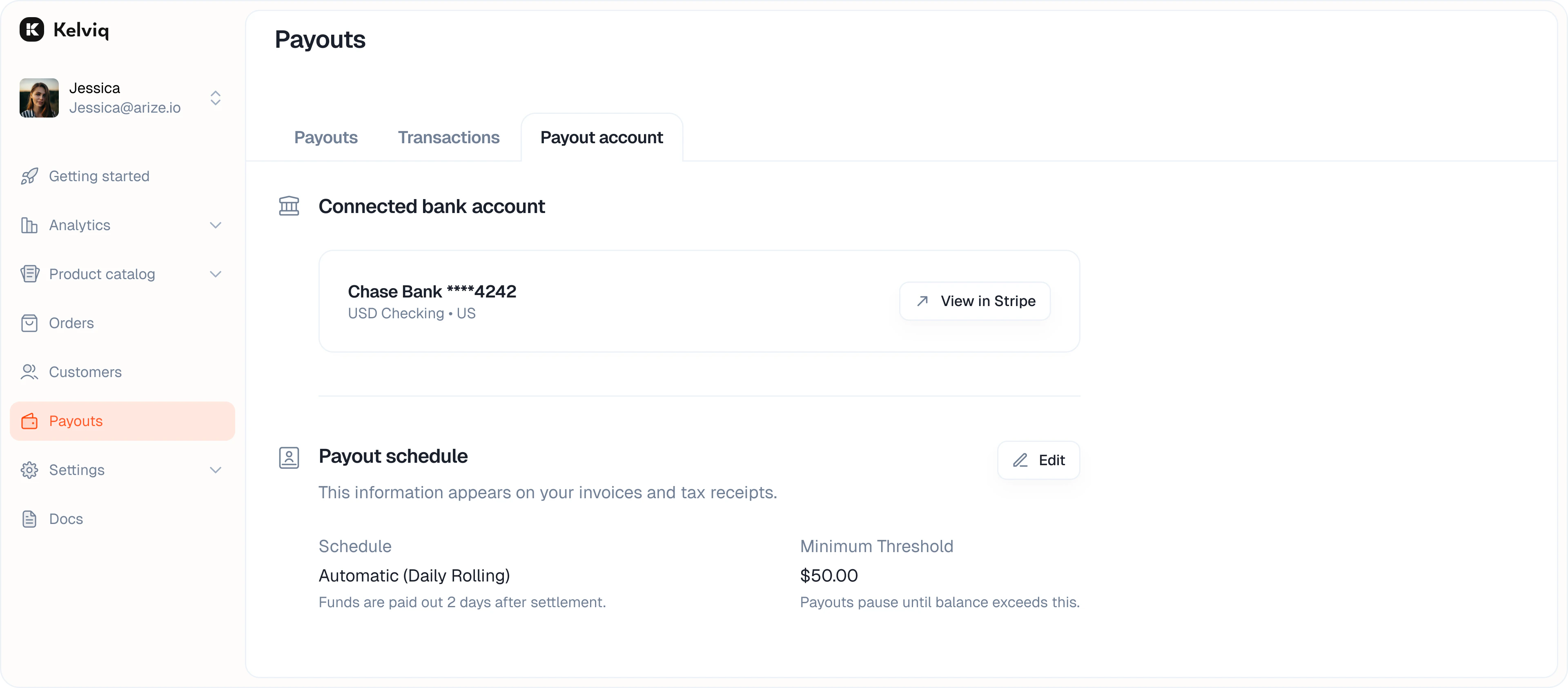
Manage bank accounts and transfer schedules
The
Payout Account
tab lets you control how and when you get paid.
Bank account
View the currently connected bank account. You can also click the link to view your full verification status directly on Stripe.
Transactions
Previous
Customer portal
Next
⌘I