

Settings
Customer emails
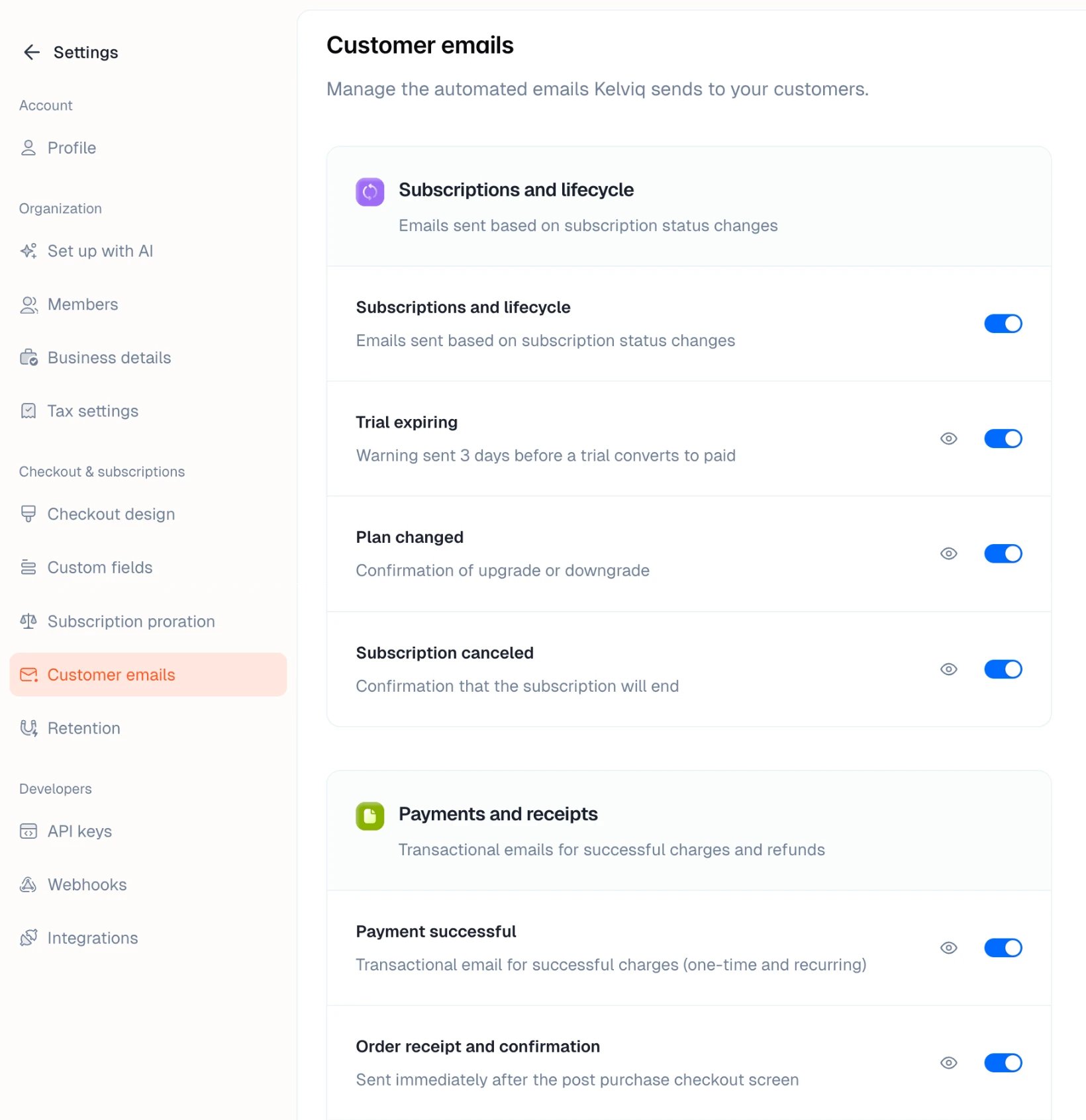
The automated emails Kelviq sends to your customers, when each one goes out, and how to turn them off
Kelviq emails your customers at each step of a purchase or subscription: receipts, invoices, trial reminders, failed payment notices, and more. Every email is on by default. Open Settings → Customer emails to preview an email or turn it off.