

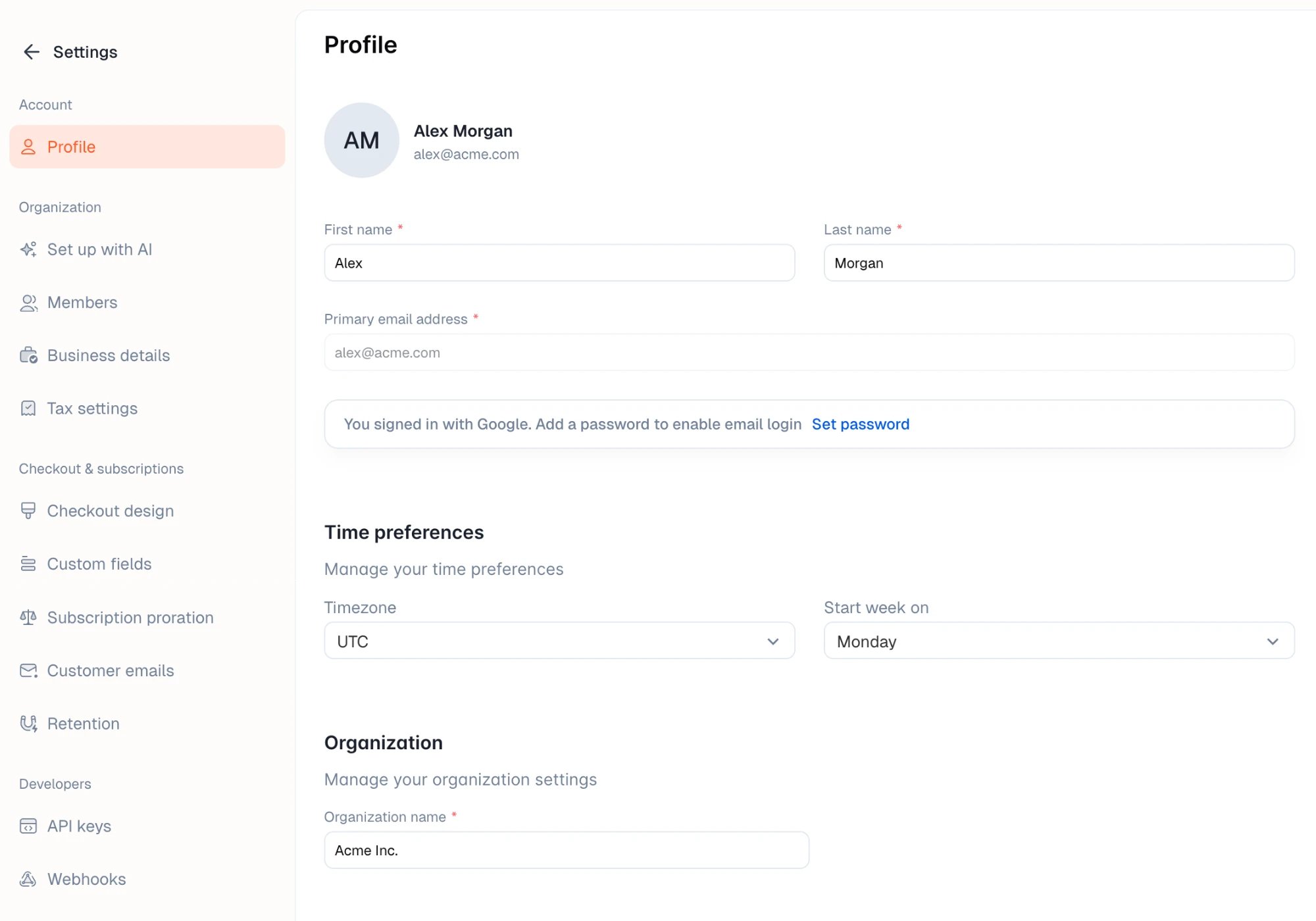
Your details
Change your first name and last name here. Your primary email address is the one you sign in with and can’t be edited on this page. If you signed up with Google, you sign in with Google by default. Click Set password to add a password so you can also sign in with your email address.Time preferences
- Timezone: the timezone the dashboard uses to show dates and times, such as when an order was paid.
- Start week on: the first day of the week in date ranges and calendars.