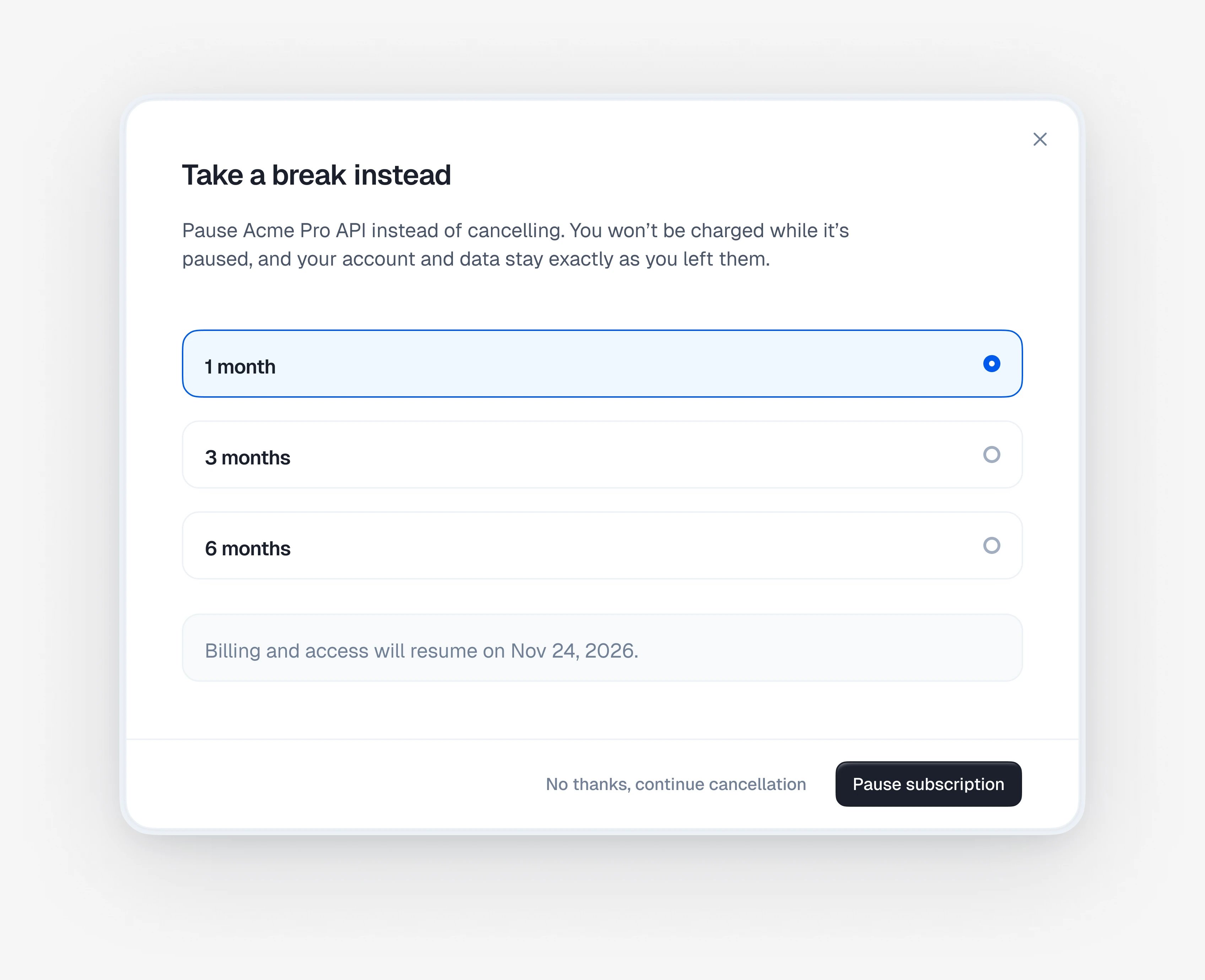
When a customer cancels a subscription in the customer portal, Kelviq asks why, then shows the offer you picked for that reason: a discount, a pause, or a link to your support team. If the customer says no, they continue to cancel.
Set it up in Settings → Retention and turn on Enable retention offer.
What the customer sees
They see your offer
The offer depends on the reason. Here, Not using it enough leads to a pause. They confirm or keep the subscription
A customer who declines the offer chooses when access ends: at the end of the billing period, immediately, or on a date they pick. If you’ve turned on written feedback, your question appears here too. Set up your offers
Set each offer up once. Then choose which reasons show it.
Use the eye icon next to an offer to preview it.
Match offers to reasons
Under Offers by cancellation reason, pick an offer for each reason, or No offer to let the customer go straight to the final step.
Offer what fits the reason. A customer who isn’t using the product won’t stay for a discount, but might come back after a pause.
Ask for written feedback
Turn on Written feedback to ask one open question before the customer confirms, such as “What could we do better?”. Answering is optional. The answer is saved as the cancellation comment on the subscription.
When an offer isn’t available
An offer the customer can’t use still appears, greyed out, with the reason. A customer sees an offer only once per subscription unless you change the repeat policy below, and offers aren’t available on free or manually billed subscriptions.
A pause has to cover at least one full billing period, so a 1-month pause isn’t offered on a yearly plan, and a yearly plan usually gets no pause offer at all. Only an active subscription can be paused: not one on trial, past due, or already scheduled to cancel.
Advanced settings