

Setup
Before you can receive funds, you need to connect a bank account.1
Connect account
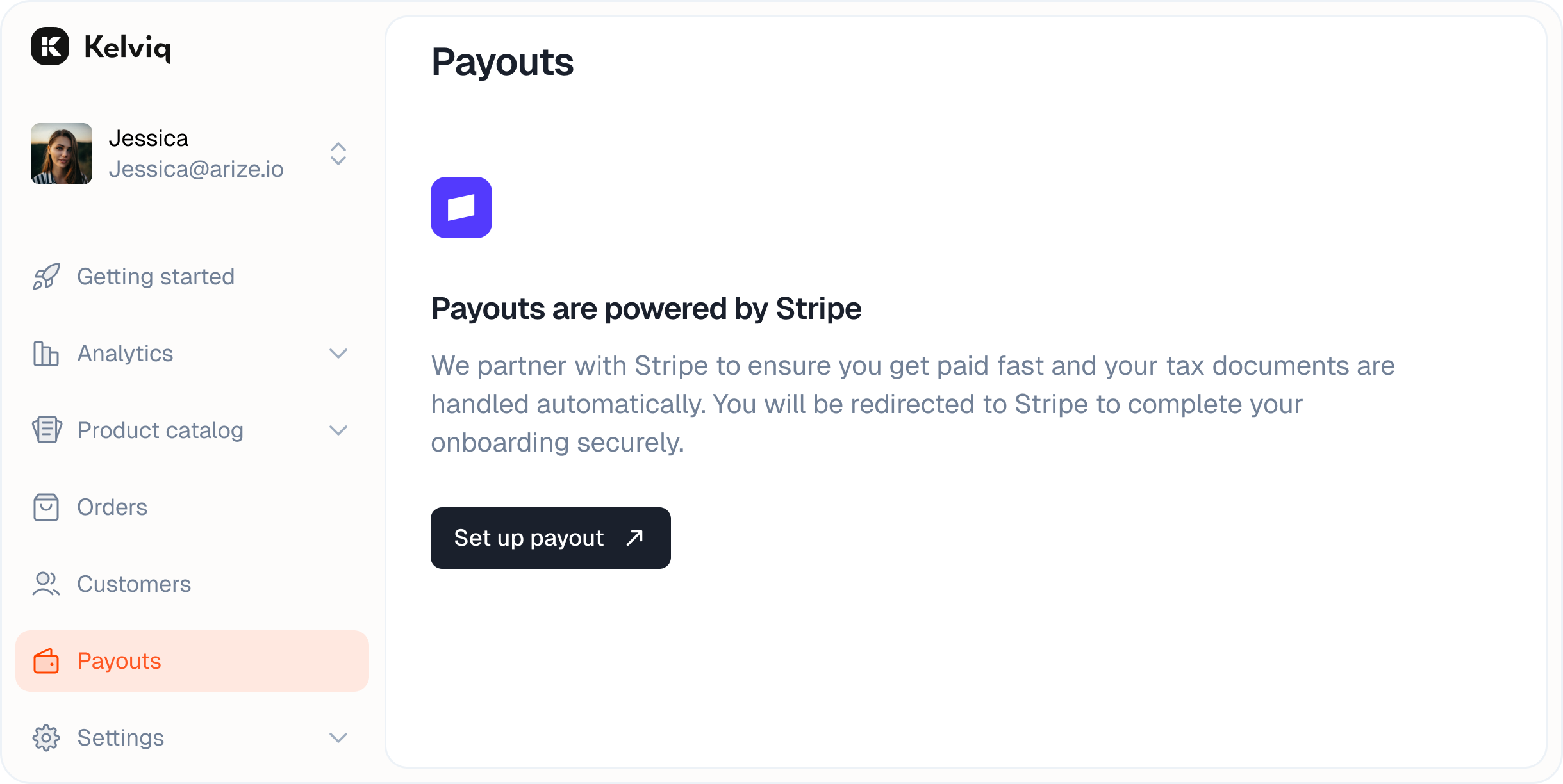
Navigate to the Payouts group and click the Set up payout button.
2
Complete onboarding
You will be redirected to a secure Stripe form. Choose your account type (Individual or Company) and enter your banking details.
Dashboard
Once set up, the main Payouts view gives you a real-time snapshot of your cash flow.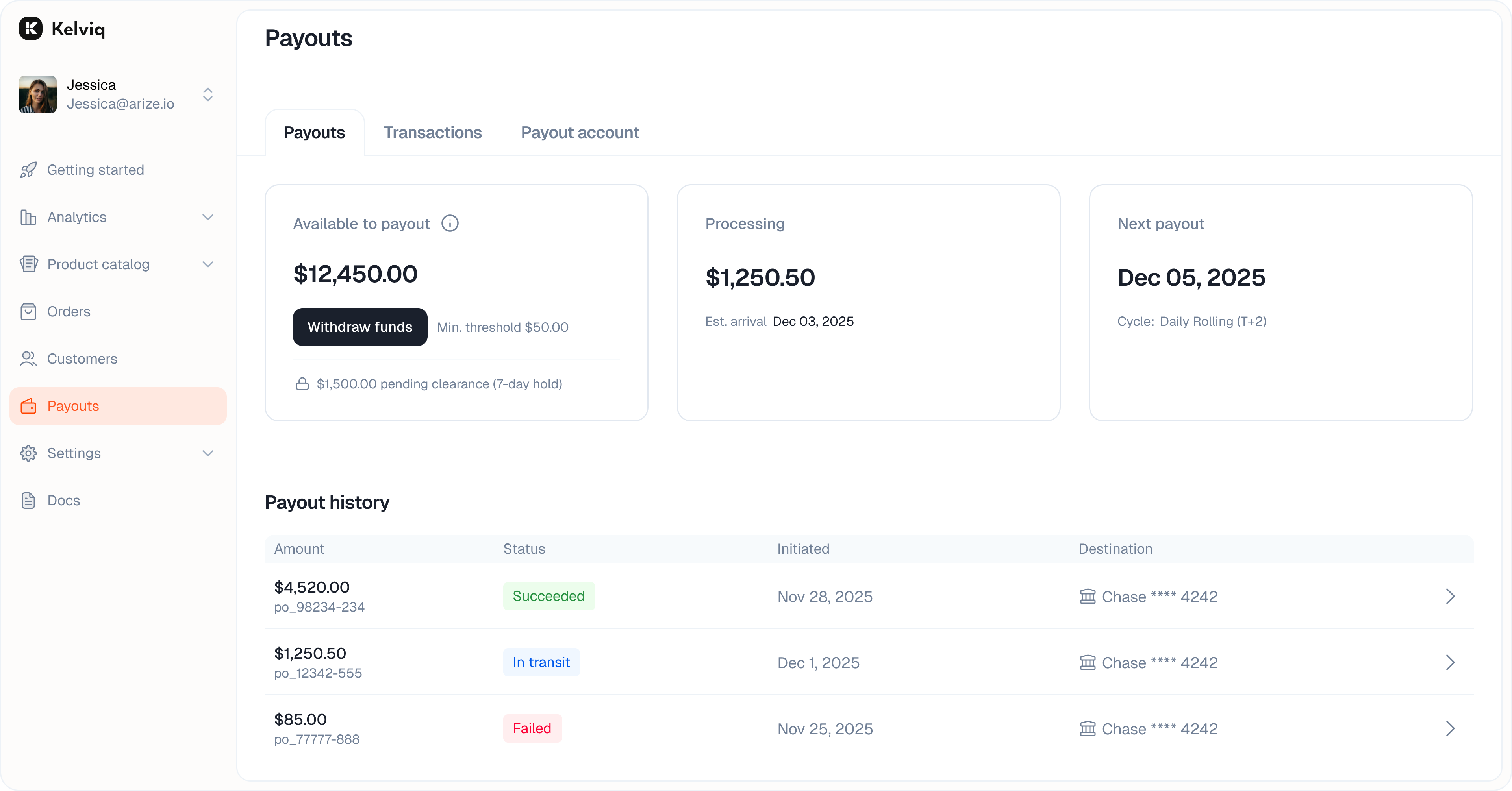
Key metrics
- Available to payout The funds that have cleared and are ready to be transferred to your bank.
- Processing amount Revenue that is currently being processed. You can see the estimated date for when these funds will become available.
- Billing cycle Shows your current schedule. If funds are available, you can click Withdraw funds to initiate a manual transfer immediately.
Payout history
Below the metrics, you will see a list of every payout we have sent to your bank.- Check the status of past transfers.
- See the exact date the funds landed.
- View the destination bank account for each transfer.