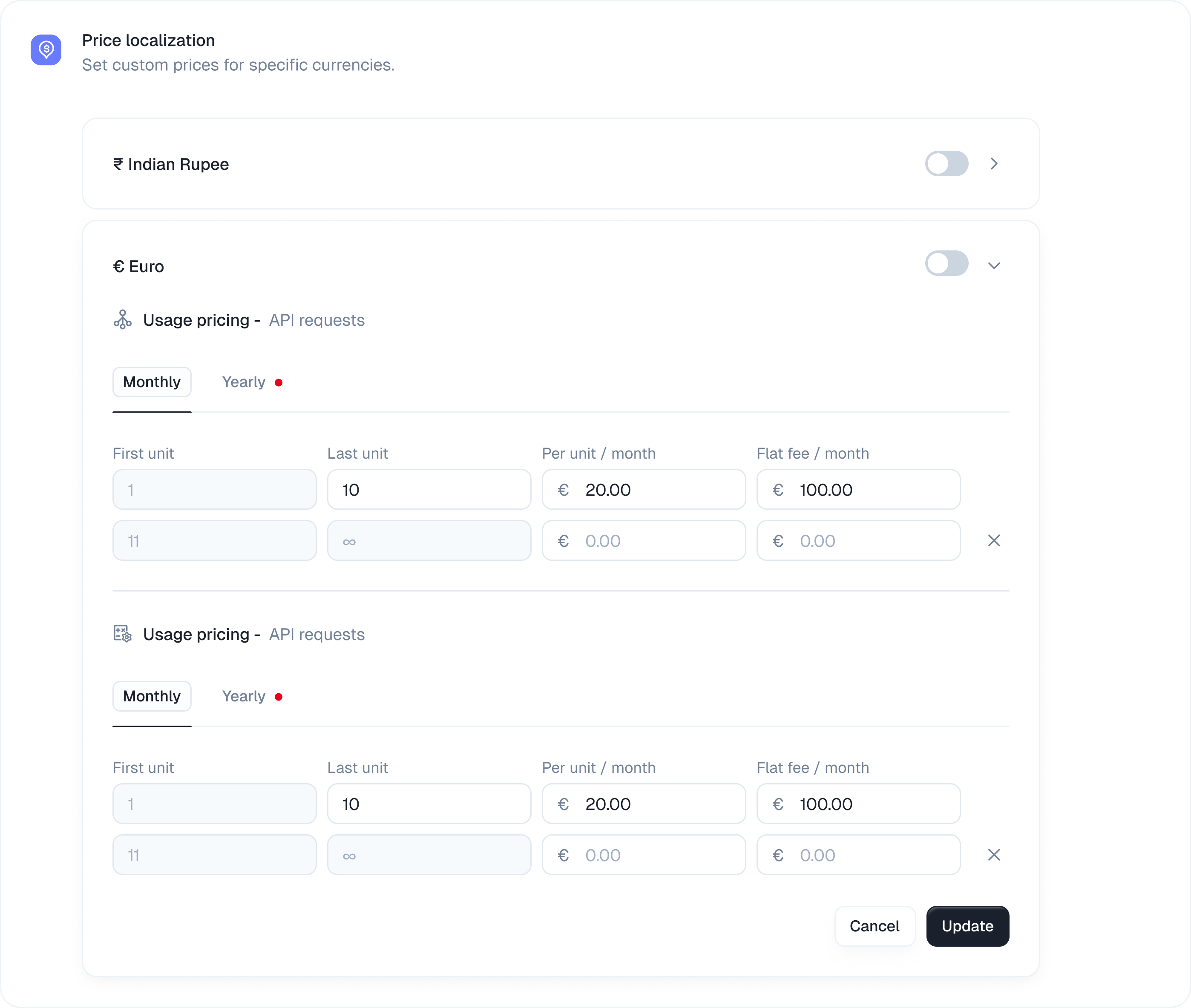
Set up localized prices
To offer a localized price open your plan configuration and expand the Price localization card.Regional prices inherit the base price’s usage reset, usage alert, and credit rollover settings. Regional pricing changes the localized monetary price; it does not create a separate usage-policy configuration.
1. Choose a currency
Select your target currency from the dropdown list. You can choose options like Euro or Indian Rupee. Click Add localized price to open the configuration panel.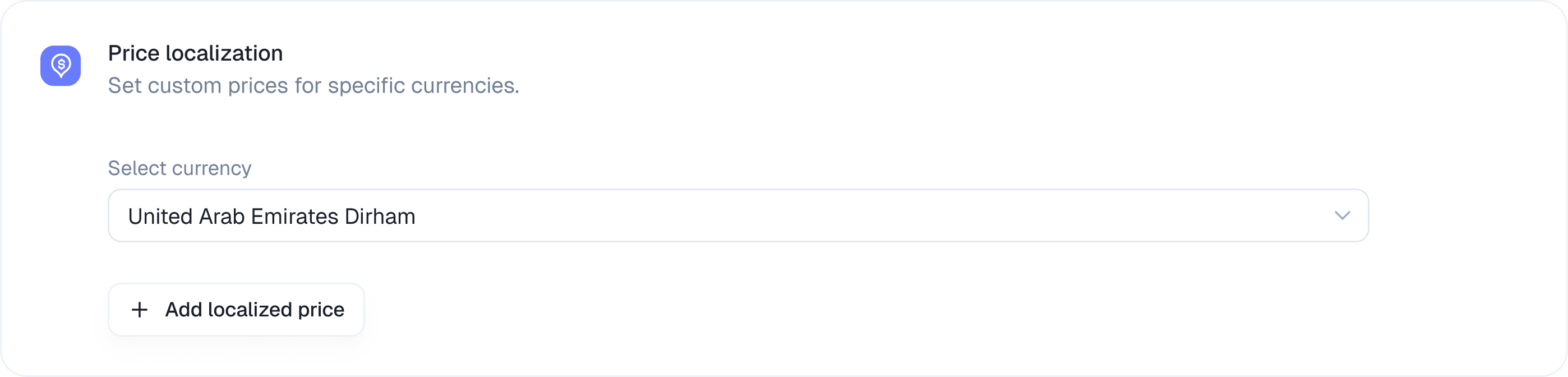
2. Set the fixed base charge
Kelviq automatically displays the billing cycles you already enabled for your default base price and usage based pricing. Enter the exact localized amount you want to charge for each active interval.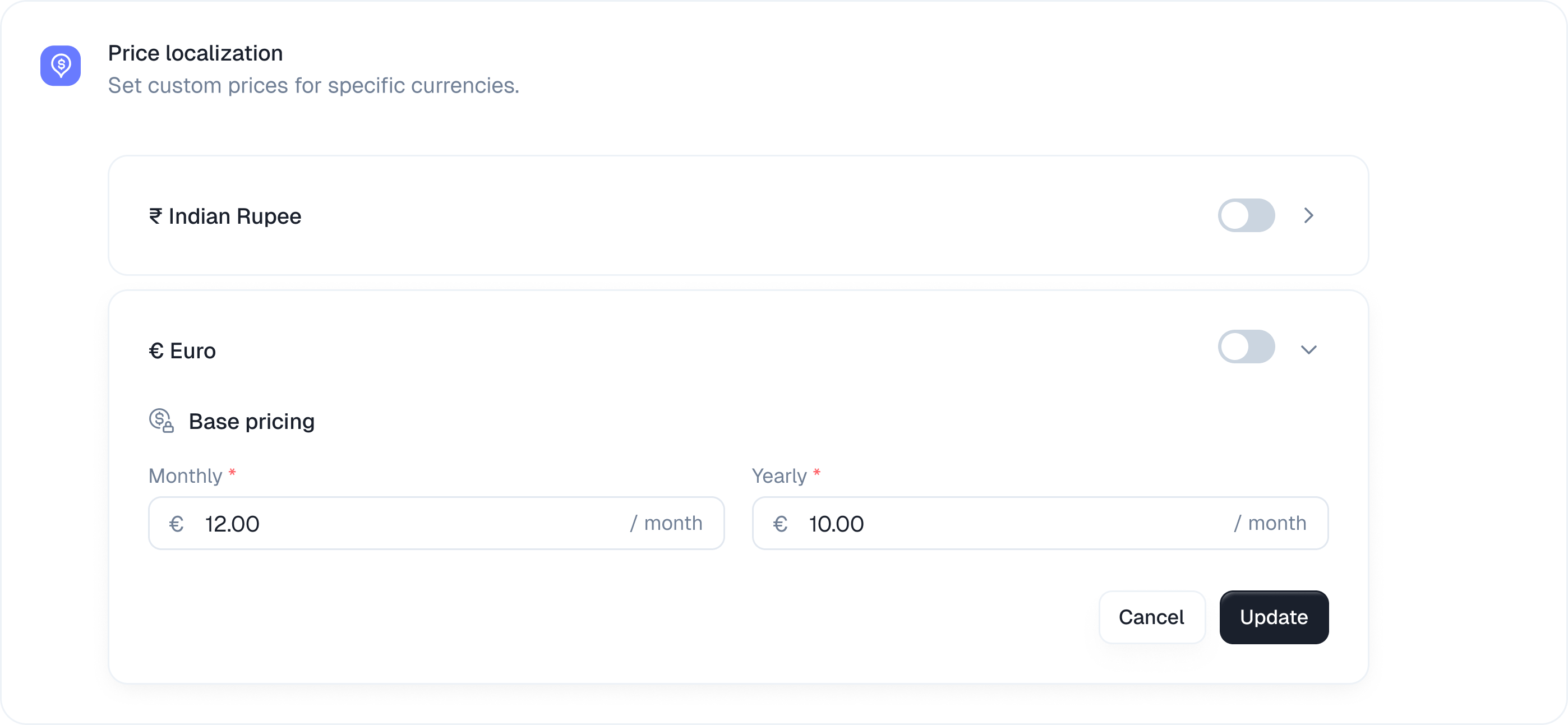
3. Localize usage based features
If your plan includes metered features like API calls Kelviq pulls those in automatically right below the fixed charge section. You can set localized unit prices and flat fees for every single usage tier. You must configure these usage rates across all active billing periods. Use the tabs to switch between your monthly and yearly configurations and ensure every input has a defined price.