

Connect Kelviq to Zapier
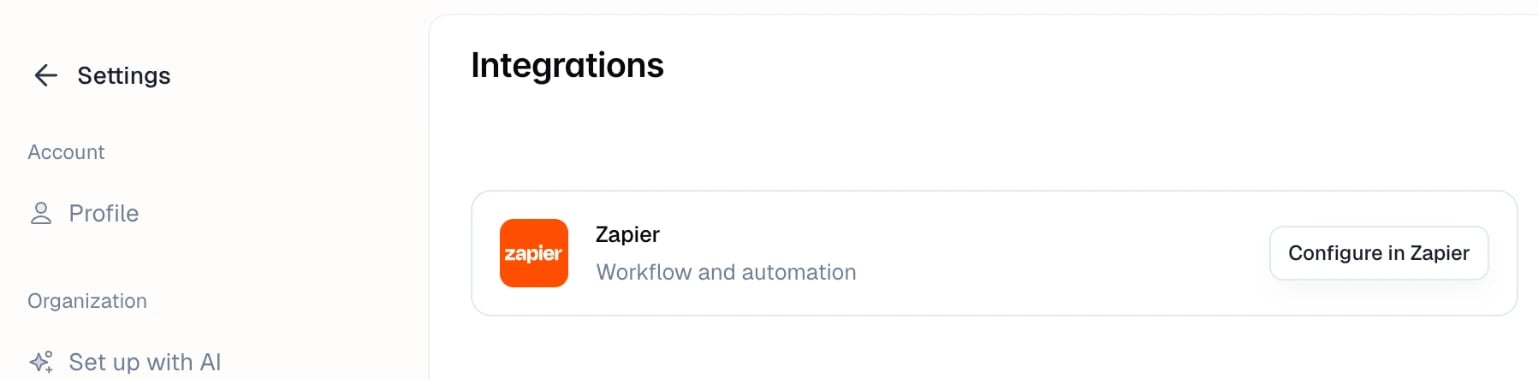
- Open Settings → Integrations.
- Click Configure in Zapier. Zapier opens in a new tab.
- Sign in to Zapier, or create a free account, and accept the invitation to use the Kelviq app.
- In Zapier, create a Zap and choose Kelviq as the app. Pick the event you want, then connect your Kelviq account when Zapier asks.